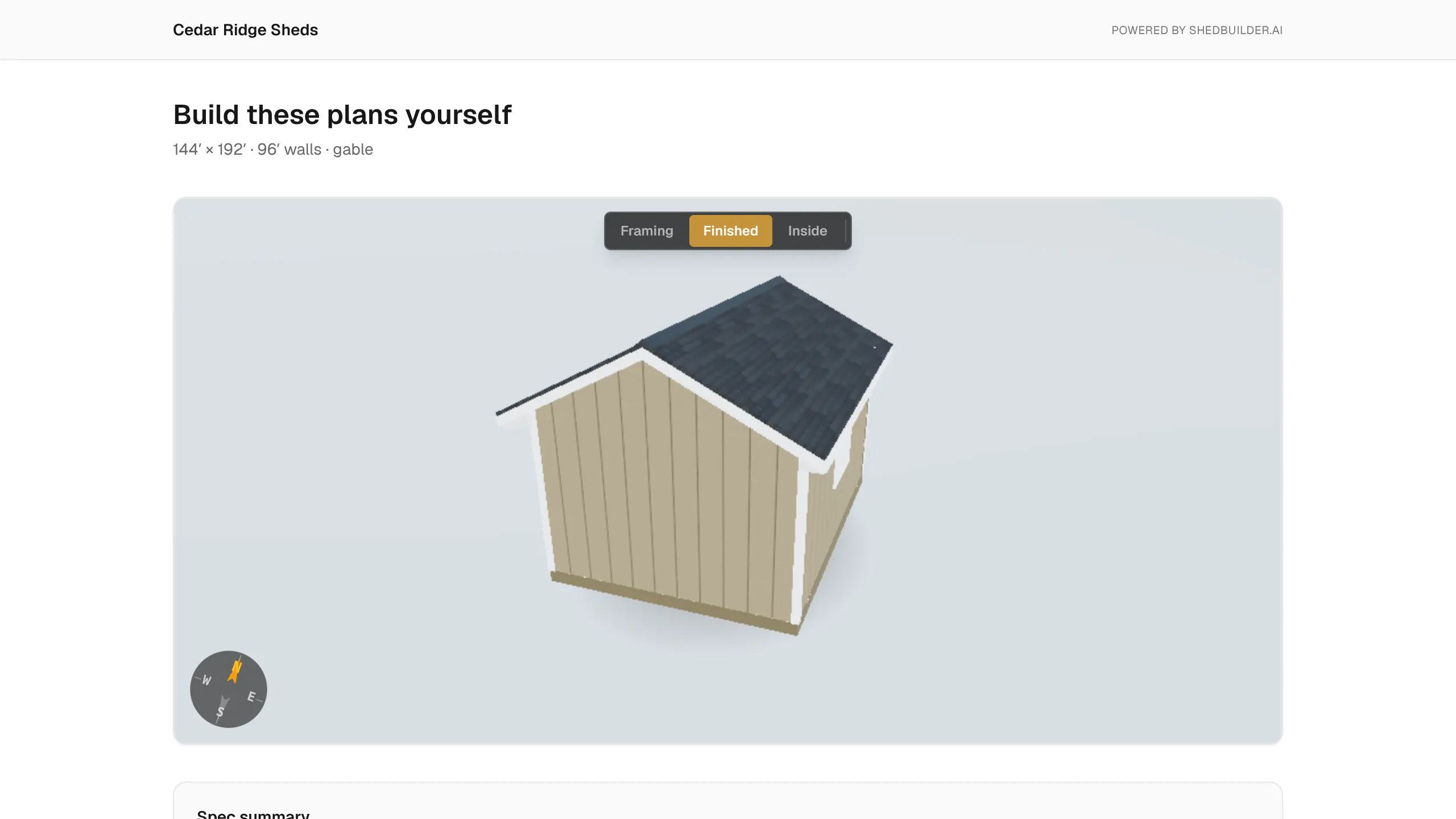
You can sell a finished design as a plan set, for example a lead that didn't buy a build. Buyers get a read-only 3D model, the PDF build guide, the cut list and the materials list. Plan sales run through Stripe Connect, which is separate from your invoice payments.
Who can use it
- The workspace owner sets it up and manages plan sales.
- You need a paid Builder, Pro or Enterprise plan. Trials can't use Stripe Connect.
- Connect onboarding opens 7 days after your workspace is created.
Set up Stripe Connect
- Select Billing in the sidebar.
- Under Plan Sales (Stripe Connect), select Set up payments with Stripe.
- Complete Stripe's onboarding. If you stop partway, select Continue setup to resume.
- When it's done, Charges and Payouts both show as enabled. Open Stripe Dashboard opens your Stripe account.
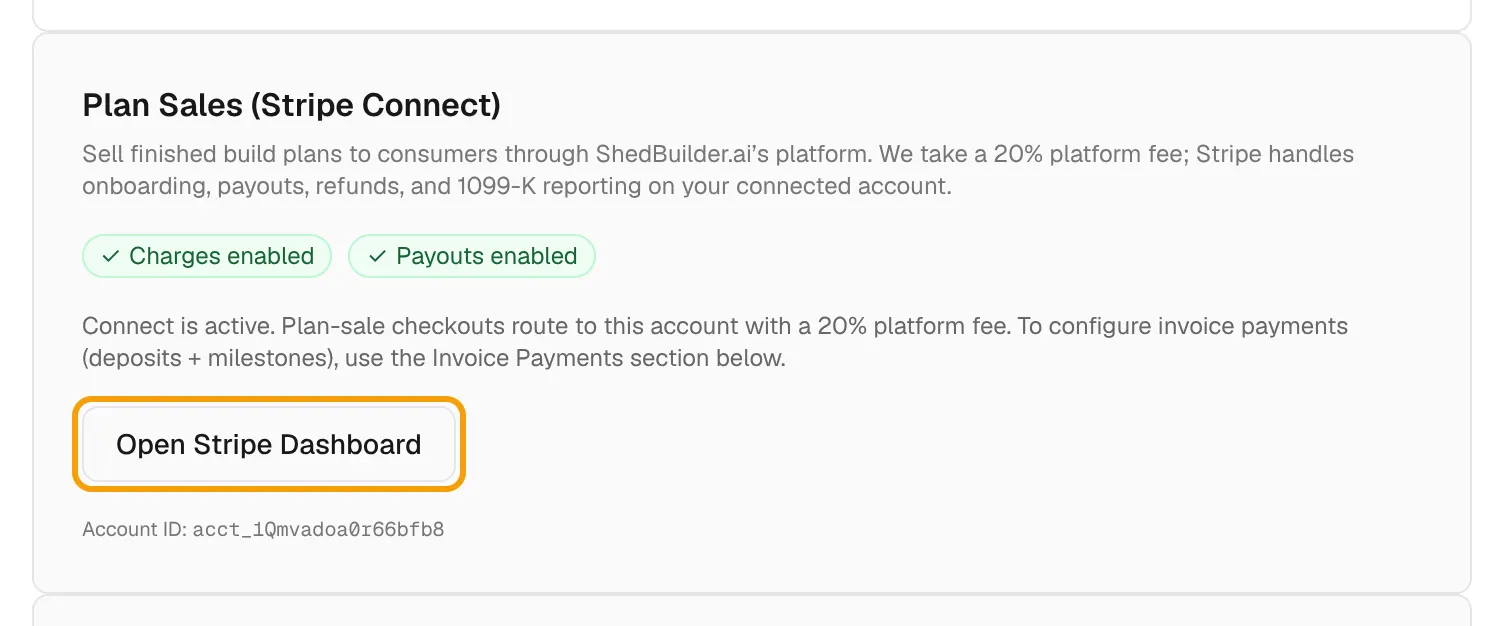
If Stripe needs more information, select Update in Stripe.
Sell a project's plans
- Open the project and select the Sell as Plans tab. The project needs a design.
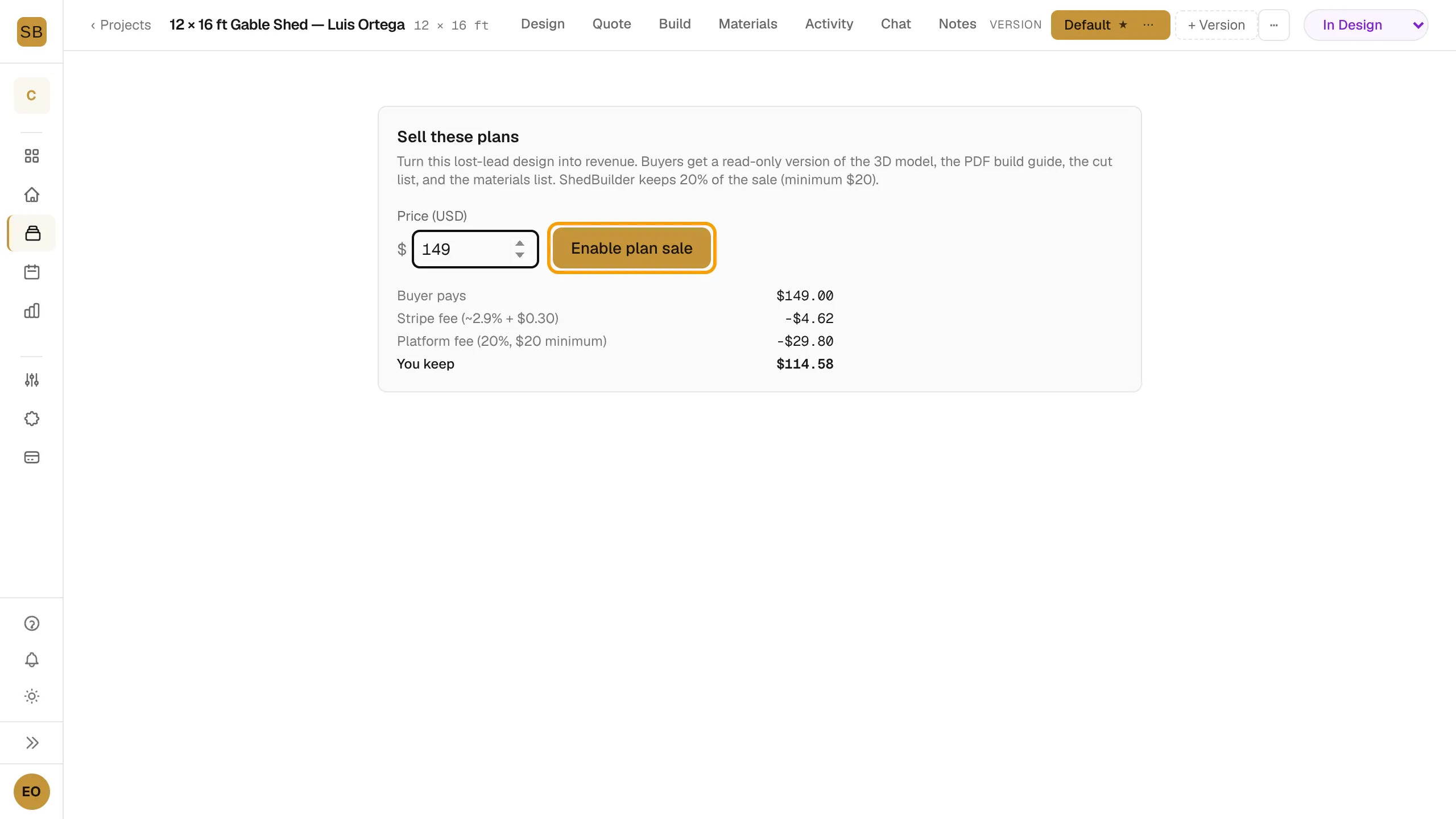
- Enter a Price (USD). The minimum is $99.
- Check the breakdown: Buyer pays, Stripe fee (~2.9% + $0.30), Platform fee (20%, $20 minimum) and You keep. The Stripe fee is an estimate.
- Select Enable plan sale.
- Under Share link, select Copy and send the link to buyers.
To change the price, select Update price. To stop new sales, select Disable. Existing buyers keep access.
Track sales
Lifetime stats shows Page views, Sales, Gross revenue and You earned.
What buyers see
The buyer opens your share link and selects Buy plans to check out. After paying, they get an email sign-in link to Your plans, where they open what they bought.