The customer portal is where a homeowner follows their design after sending it to a builder. Builders: this is what your customer sees.
Open the portal
- After you submit a design, you get an email. Select View your design.
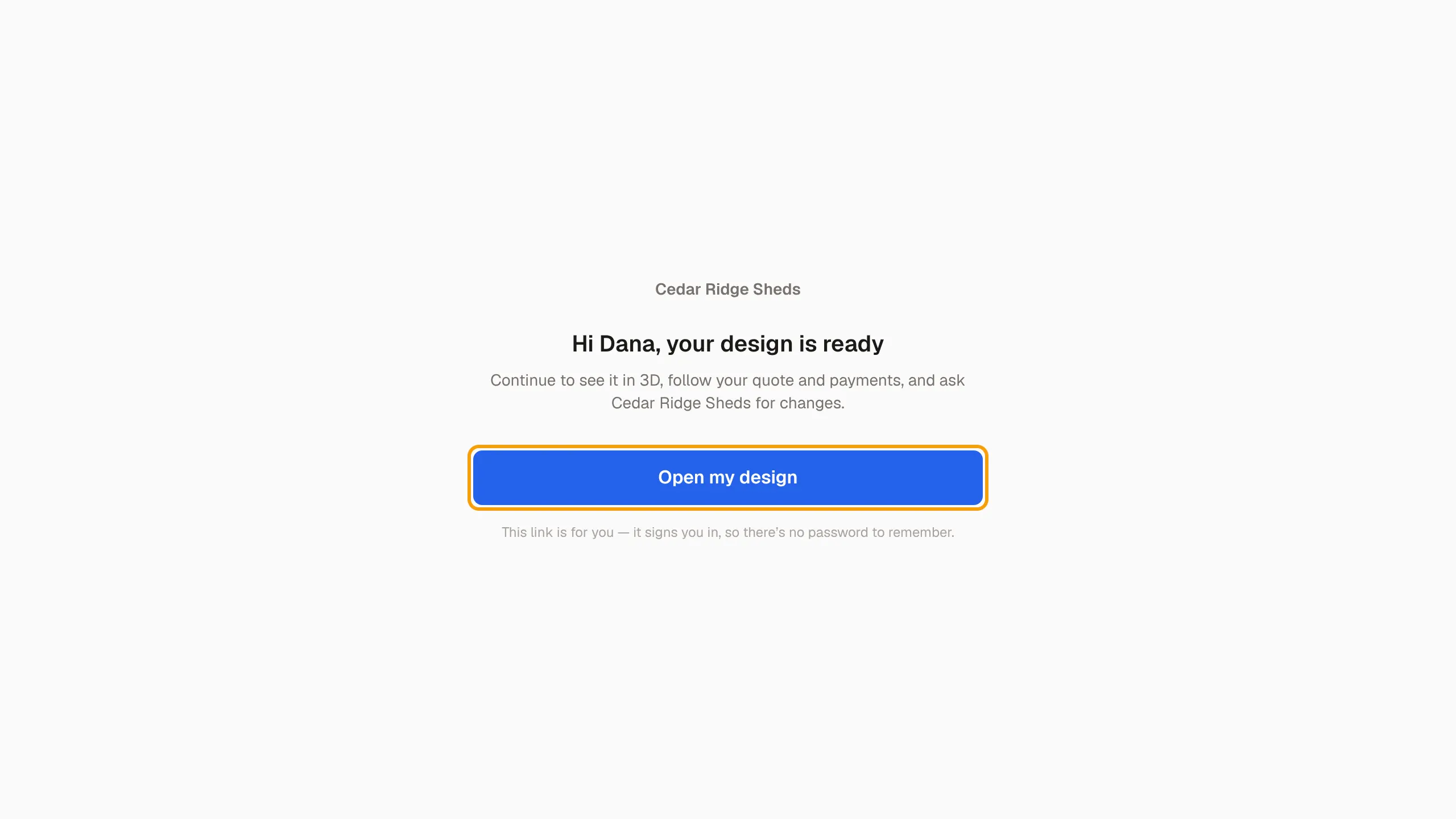
- On the page that opens, select Open my design. This signs you in. You don't need a password.
If the page says This link is no longer valid, enter your email and select Resend link. You get a fresh link.
Your designs
The portal home lists Your shed designs. If you have only one, it opens straight away. Select a design to see its page.
Working with one builder
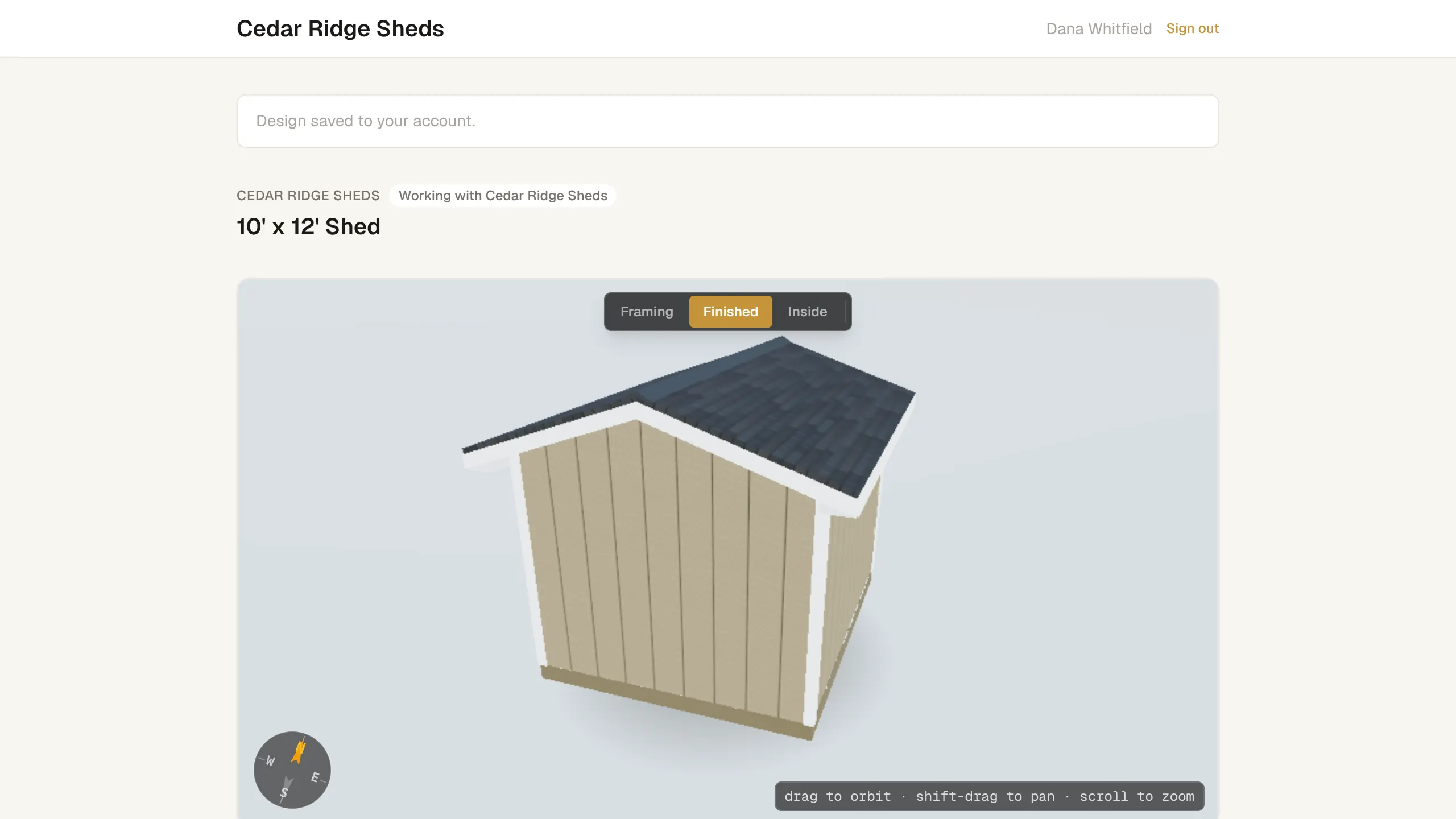
The page header shows Working with and the builder's name. You see:
- The design and the Estimated price range. The final price comes from the builder's quote.
- A timeline of where the job is, from Design received through Scheduled, In Progress and Complete.
- Your quotes. Select View & respond to open a quote, then accept it, request changes or decline it.
- Payments. Select View & pay to pay an invoice.
- Request a change. Describe the change and select Send request. The builder gets your message.
Out to bid
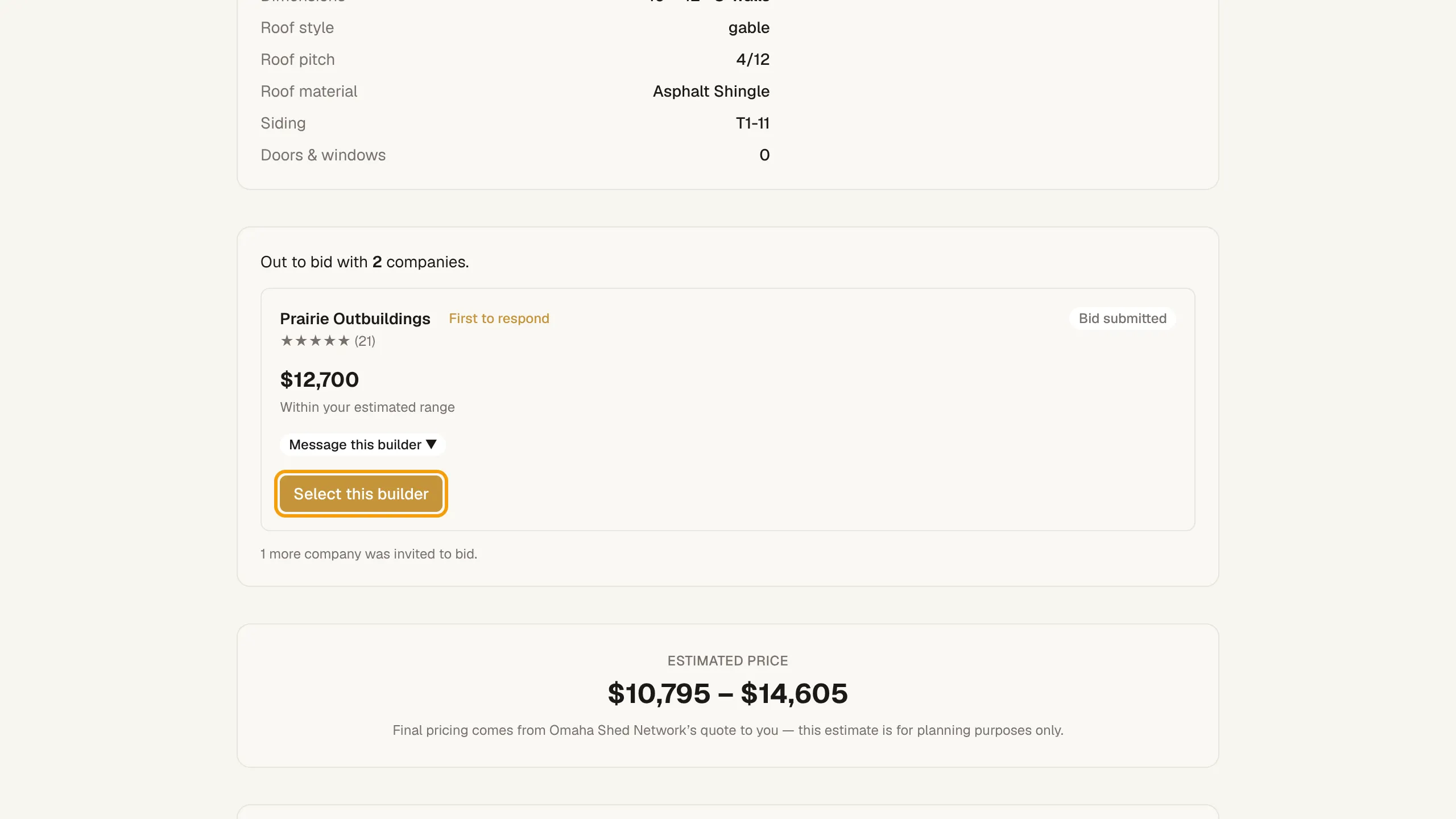
When your design is out to bid, the header says Out to bid, and you see how many companies were invited.
- Bids appear as builders submit them, with each builder's status and amount, and whether it is within your estimated range.
- Select Message this builder to ask a bidder a question.
- When you're ready, select Select this builder, then confirm with Select and the builder's name.
Builders: see Bid on homeowner leads and What your customer sees on a quote.