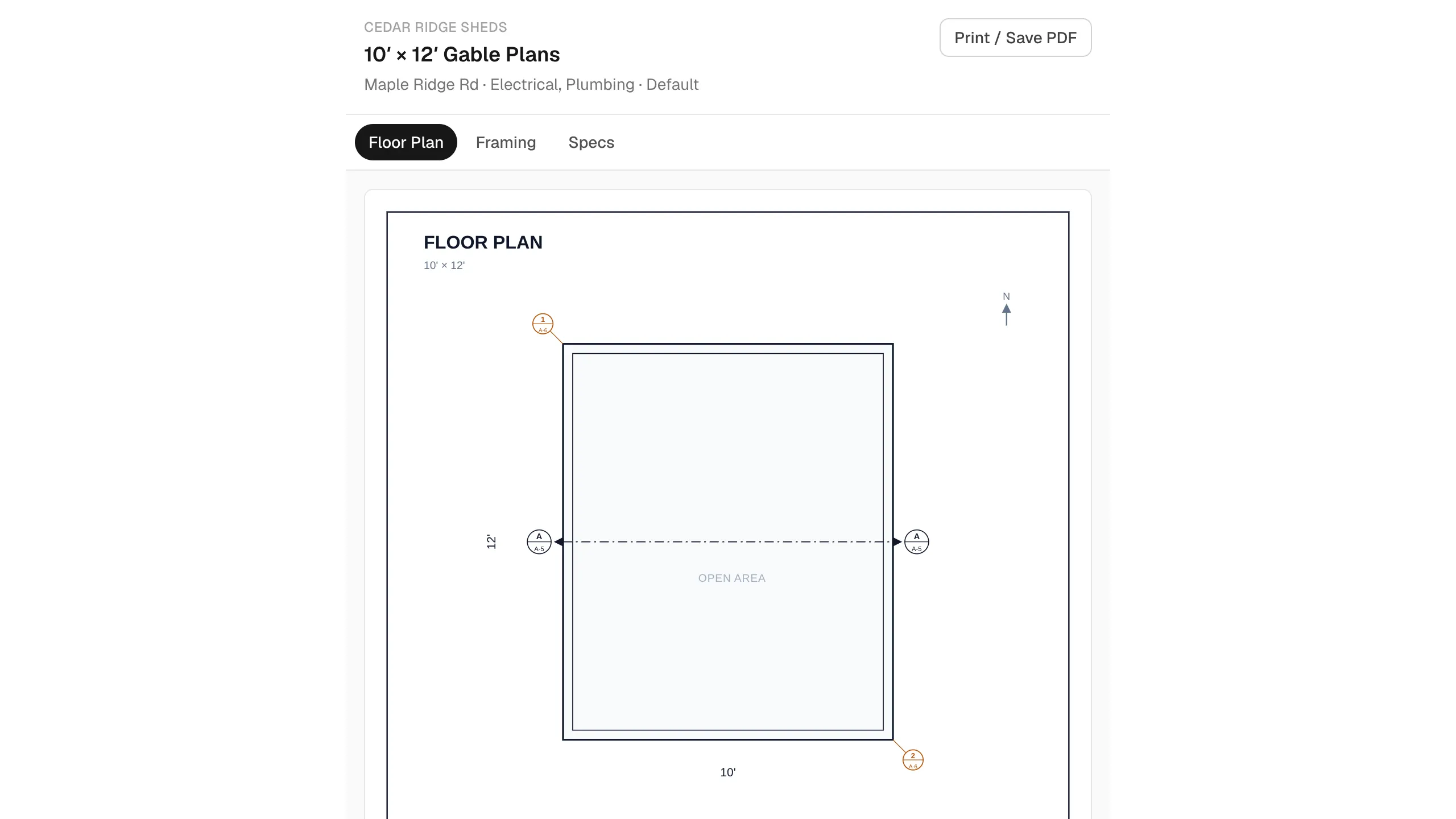
There are two separate tools for working with subcontractors:
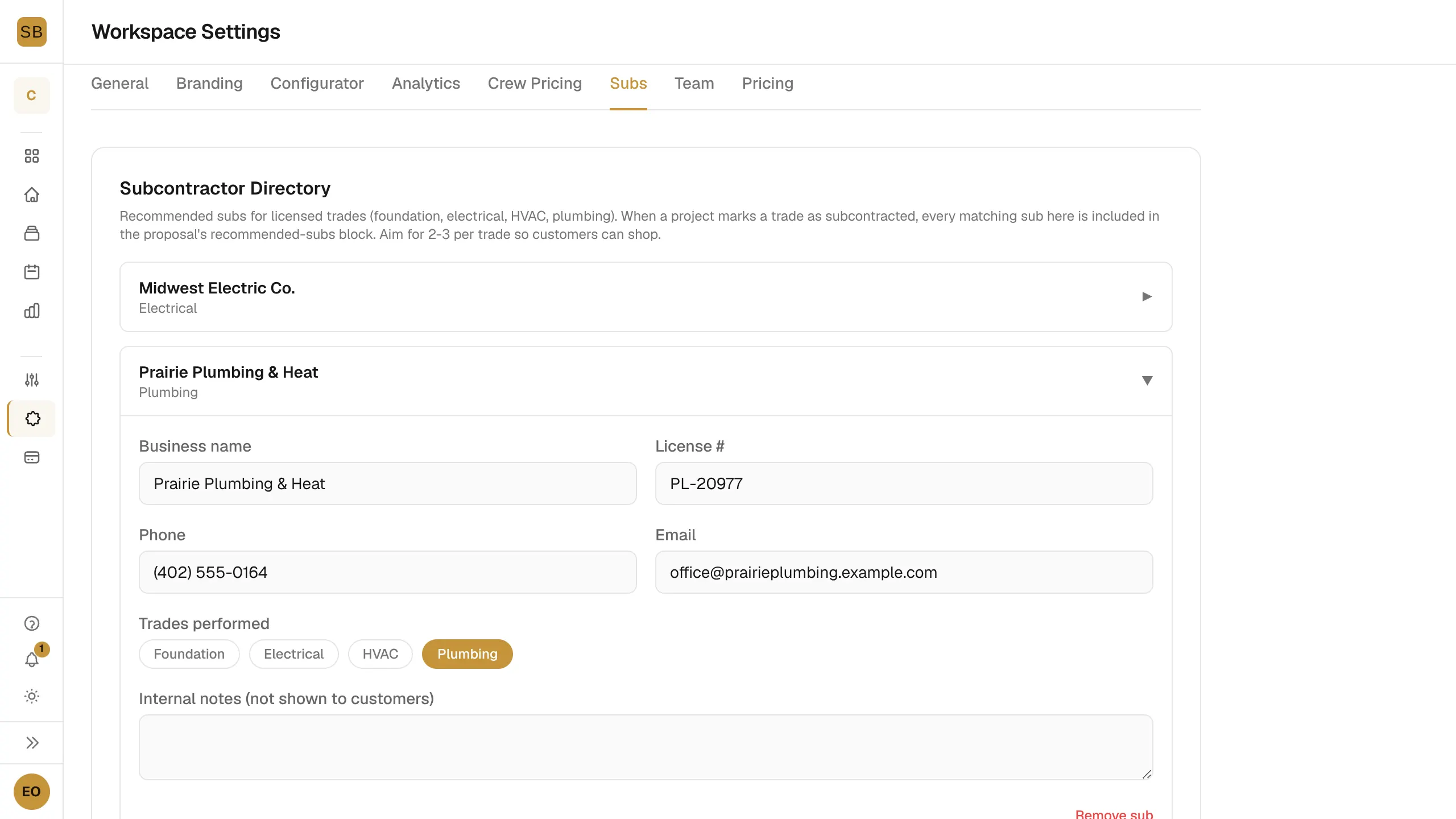
- The Subcontractor Directory lists subs you recommend for licensed trades. Matching subs appear in your customer proposals.
- Share plans with subs sends a sub a read-only link to one project's plans.
Build your directory
- Go to Settings → Subs.
- Select + Add subcontractor.
- Fill in Business name, License #, Phone and Email.
- Under Trades performed, pick Foundation, Electrical, HVAC or Plumbing.
- Add Internal notes (not shown to customers) if you like.
- Select Save Directory.
When a project marks a trade as subcontracted, every sub in the directory for that trade is listed in the proposal. Aim for 2 or 3 per trade so customers can choose.
To remove one, expand it and select Remove sub.
Share plans with a sub
Share links show only the drawings for the trades you pick. They never show pricing or customer details.
- Open the project and select the Build tab.
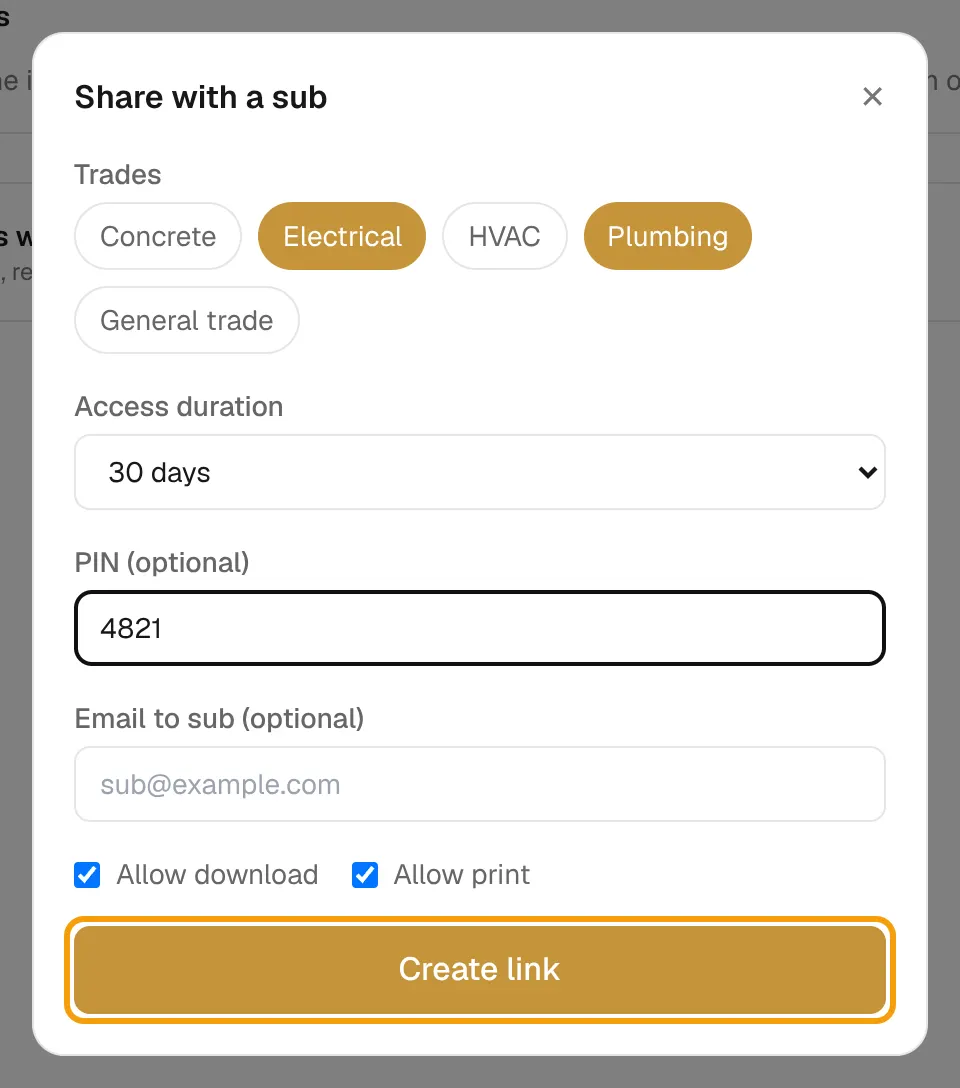
- Under Share plans with subs, select Share with sub.
- Under Trades, pick one or more: Concrete, Electrical, HVAC, Plumbing or General trade.
- Set the Access duration: 7, 30 or 90 days, or No expiry.
- Optionally set a 4 to 6 digit PIN, and an Email to sub to send the link for you.
- Tick Allow download and Allow print if the sub needs them.
- Select Create link, then Copy the link.
Track and revoke links
Each link in the list shows its trades and whether it has a PIN. Select Log to see when it was opened. Select Revoke to cut off access at once.