Your plan set comes with 90 days of AI assist. After that, the chat and photo renders stop, but editing and your plans never expire. This article covers what to do when the window ends, and how to move up if you build sheds for a living.
Check your Design Package
- Select your name at the bottom of the sidebar, then Account Settings.
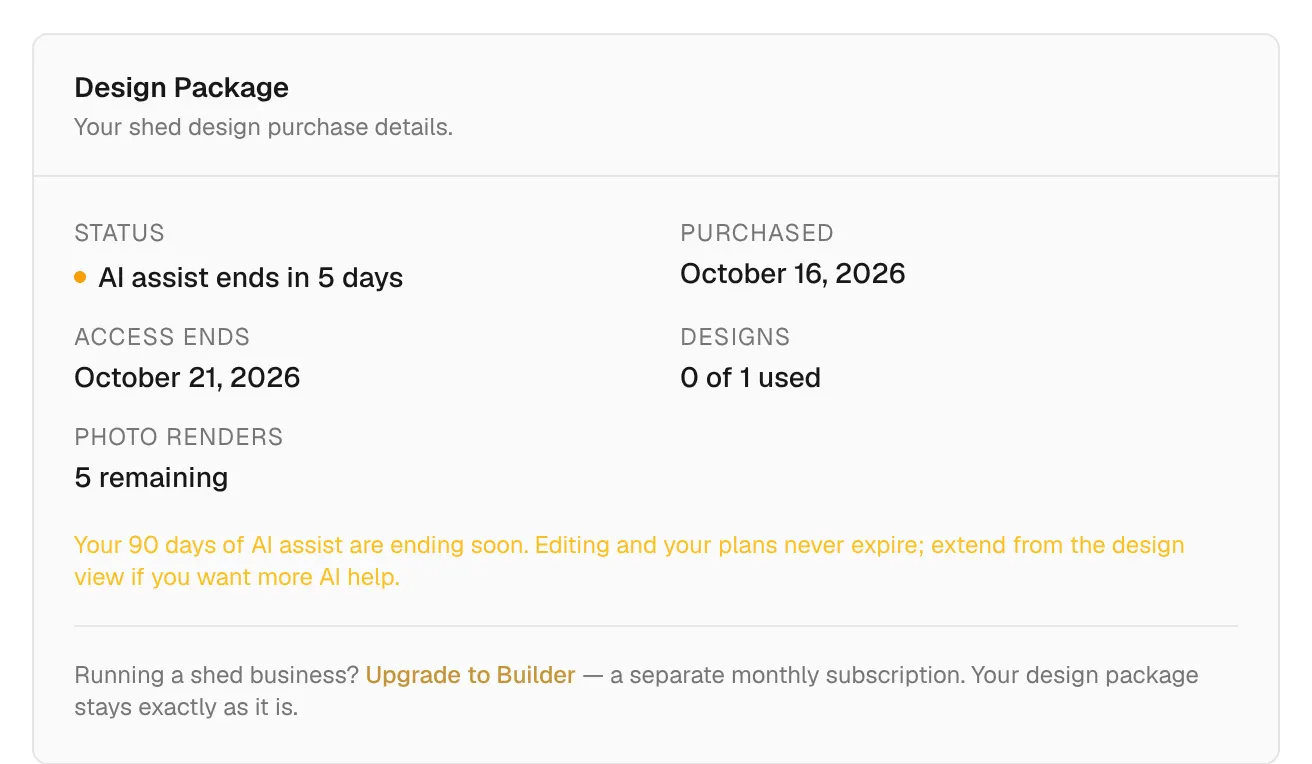
- Find Design Package. It shows your Status, when you Purchased, when Access ends, how many Designs you have used, and your Photo renders remaining.
- Select View Stripe receipt for your receipt.
Extend AI assist
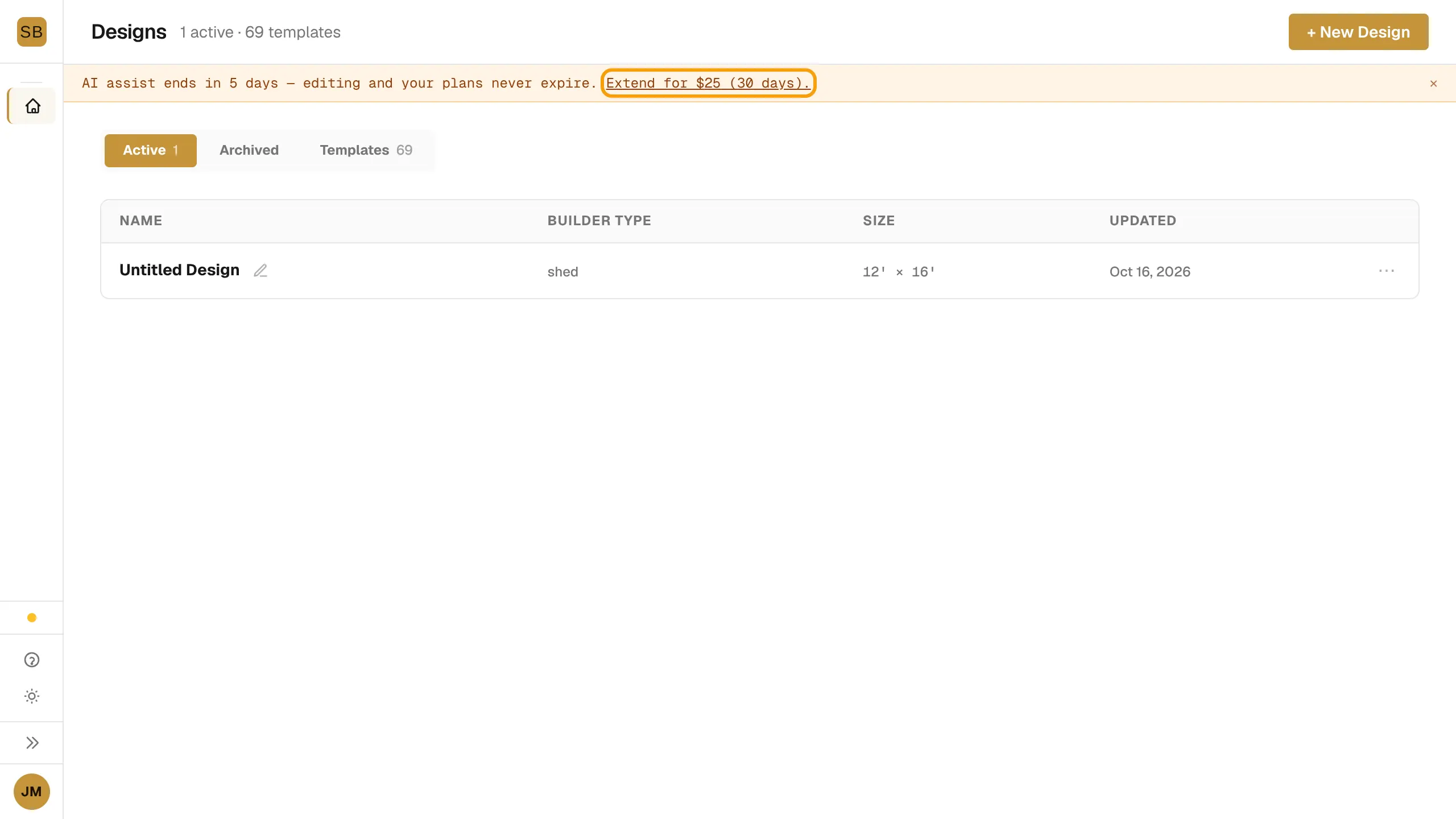
As the window nears its end, a banner reads "AI assist ends in N days". After it ends, it reads "Your 90 days of AI assist have ended".
- Select Extend for $25 (30 days). in the banner.
- Pay at checkout.
You can also extend from the Upgrade page. Its Extend AI assist section appears when your window is ending or has ended.
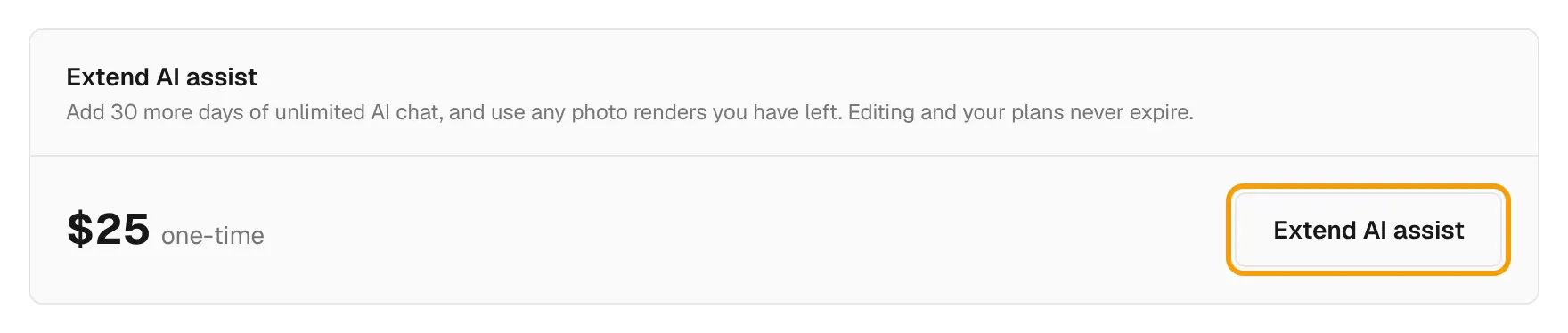
An extension adds 30 days of AI chat and lets you use any photo renders you have left. It does not add renders or designs.
Buy another design
- In the sidebar, find the Go Pro card and select View plans →. This opens the Upgrade page.
- Under Add another shed design, select Buy another design. It is $99, one time.
Go Pro
If you run a shed business, a Builder or Pro plan gives you client tools such as a branded configurator, quotes and lead capture. It is a separate monthly subscription. Your design package stays as it is.
- Open the Upgrade page from the Go Pro card, or select Upgrade to Builder in Account Settings.
- Under Run a shed business, pick Monthly or Annual.
- Select Start Builder trial or Start Pro trial.
| Plan | Monthly | Billed annually |
|---|---|---|
| Builder | $129/mo | $99/mo |
| Pro | $299/mo | $249/mo |
To learn what a builder workspace looks like, see Get started as a builder.