A share link is a public page that shows the outside of your design in 3D. Use it to show a friend, a neighbour or a forum what you are planning.
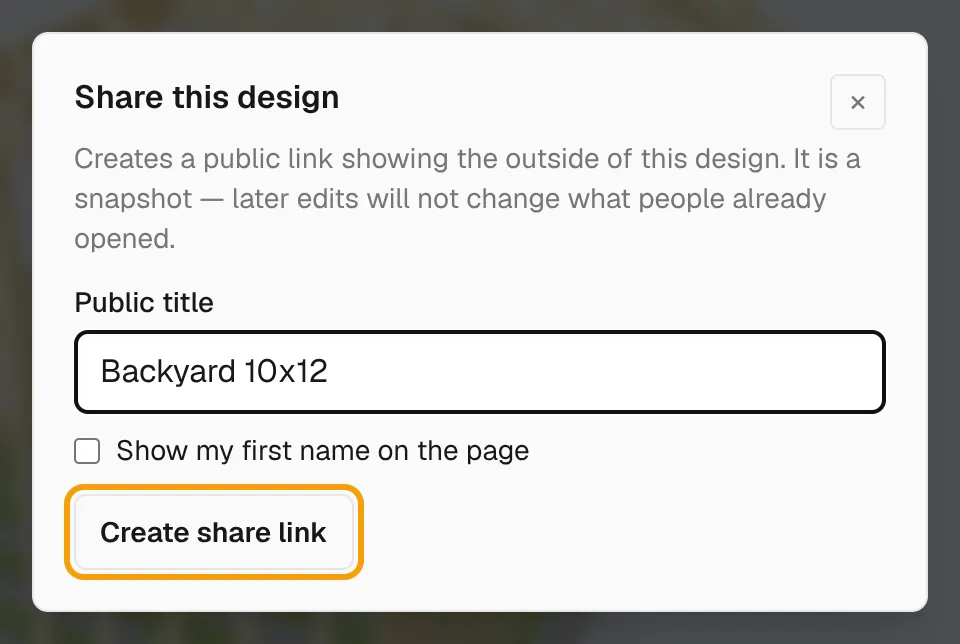
The page shows the outside only. It has no cost, no cut list and no measurements. It is a snapshot: later edits to your design do not change the shared page.
Create a share link
- Select Share in the designer's top bar. On a narrow screen, select More actions (⋯), then Share design.
- Enter a Public title, or leave the default.
- Tick Show my first name on the page if you want your name shown.
- Select Create share link.
Send the link
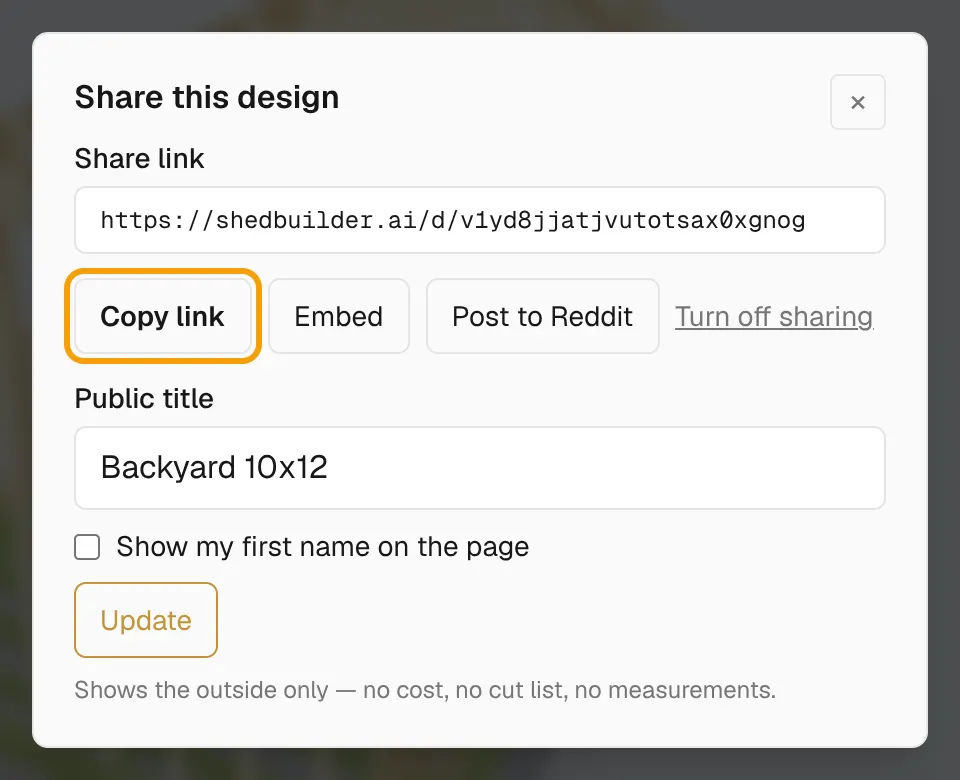
- Select Copy link and paste it anywhere.
- Or select Post to Reddit to start a Reddit post with the link.
People who open the link can select Open this design — free to start their own copy in the designer. Your design does not change.
Embed it on a site
- In the share window, select Embed.
- Copy the code from the box.
- Paste it into your site's HTML.
The embed includes attribution. Keep it in place, as the embed terms require.
Change the title
- Open Share again.
- Change the Public title or the first-name setting.
- Select Update.
Update changes only the title and name. It does not pick up later edits to the design.
Stop sharing
- Open Share.
- Select Turn off sharing.
The link and any embeds stop working. To share a newer version of the design, turn sharing off and create a new link.