Signing up creates your account, starts a trial, and sets up the workspace your team and customers use. It takes a few minutes.
Create your account
- Go to the sign-up page. If it asks Which plan are you starting?, choose Builder or Pro. Builder and Pro start with a 14-day free trial.
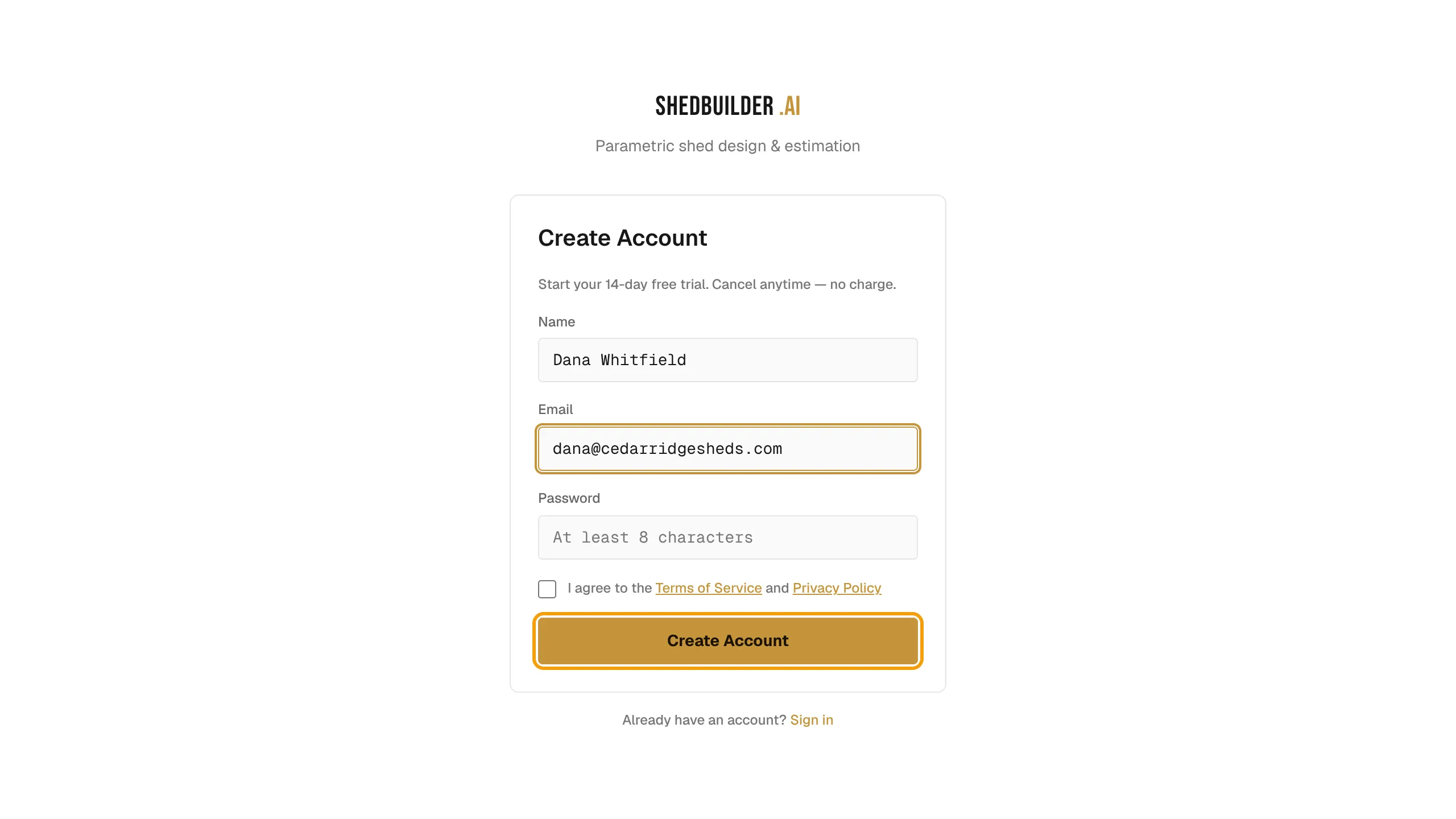
- Enter your Name, Email and Password. The password needs at least 8 characters.
- Agree to the Terms of Service and Privacy Policy, complete the captcha, and select Create Account.
- On Check your email, open the verification link we sent. It expires in 24 hours. Select Resend verification email if it does not arrive.
Start your trial
After you verify, Stripe checkout opens for the plan you chose. If it does not, you land on Choose a plan to continue.
- Pick Monthly or Annual. Annual saves 20%.
- Select Start Builder trial or Start Pro trial.
- Finish checkout. You are not charged if you cancel before the trial ends.
For plan details, see Choose a plan and manage billing.
Set up your workspace
The setup wizard has five steps. Skip appears on the optional ones.
- Company: enter your Company Name and a URL Slug. The slug must show Available. This creates your workspace.
- Brand: under Brand your configurator, upload a logo and pick a Brand Color.
- Contact: add a Phone (optional) and Contact Email (optional). Customers see these when they request a quote.
- Go Live: copy Your Configurator URL. You can also enter a Custom Domain. If the field is disabled, it names the plan you need.
- Discover: under One last thing, say how you heard about us. This step is optional.
- Select Finish Setup.
Setup loads a set of starter presets and opens the Designer.
Sign in later
- Go to the sign-in page and enter your Email and Password, then select Sign In.
- No password yet? Select Email me a sign-in link instead.
Reset your password
- On the sign-in page, select Forgot password?.
- Enter your email and select Send Reset Link.
- Open the link, enter a New password, and confirm it.