You can design a shed in 3D and see its price without an account. You only need an account to save the design, and you only pay when you want the plans.
Start from a catalog plan
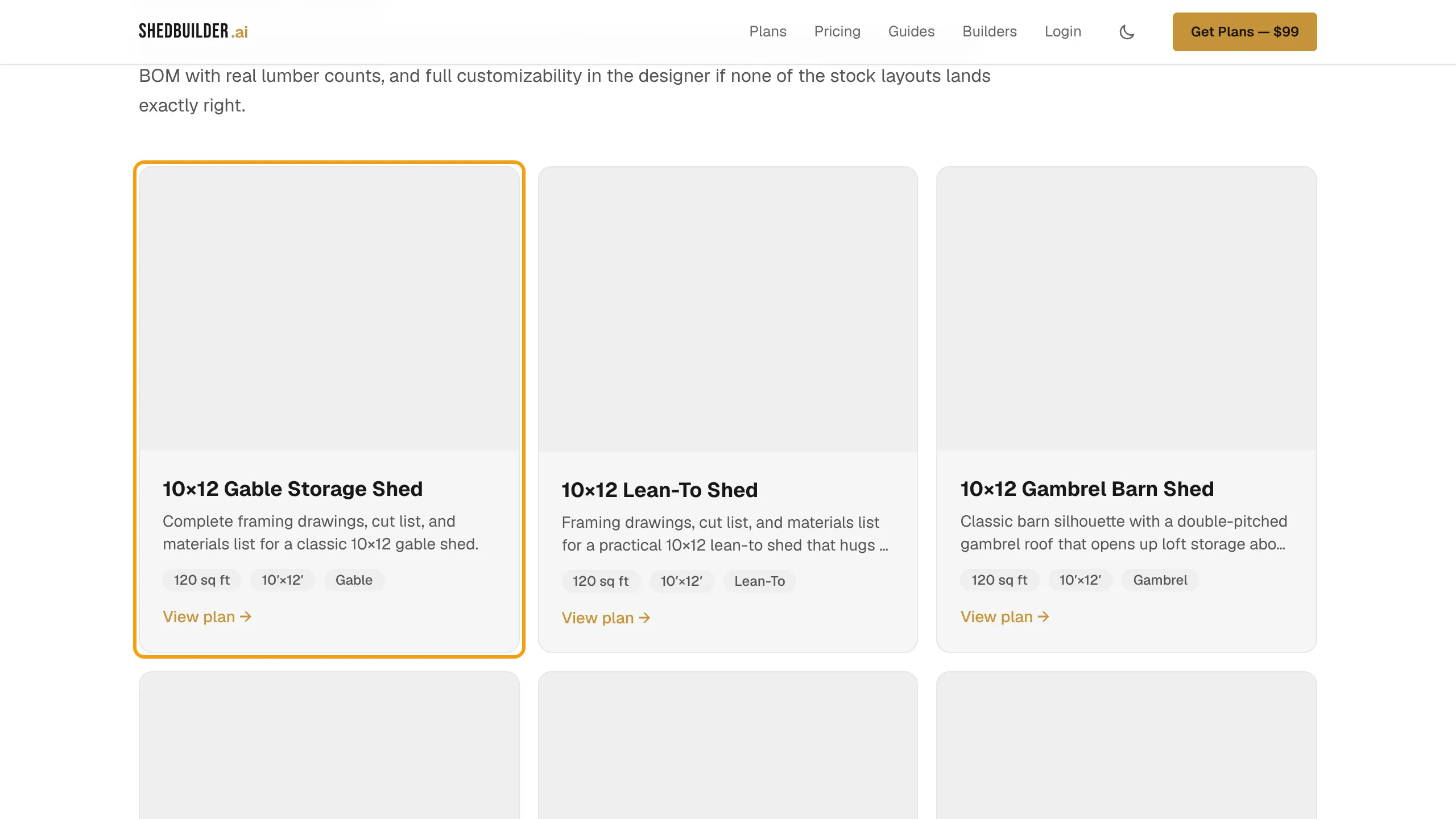
- Open the plan catalog and pick a design.
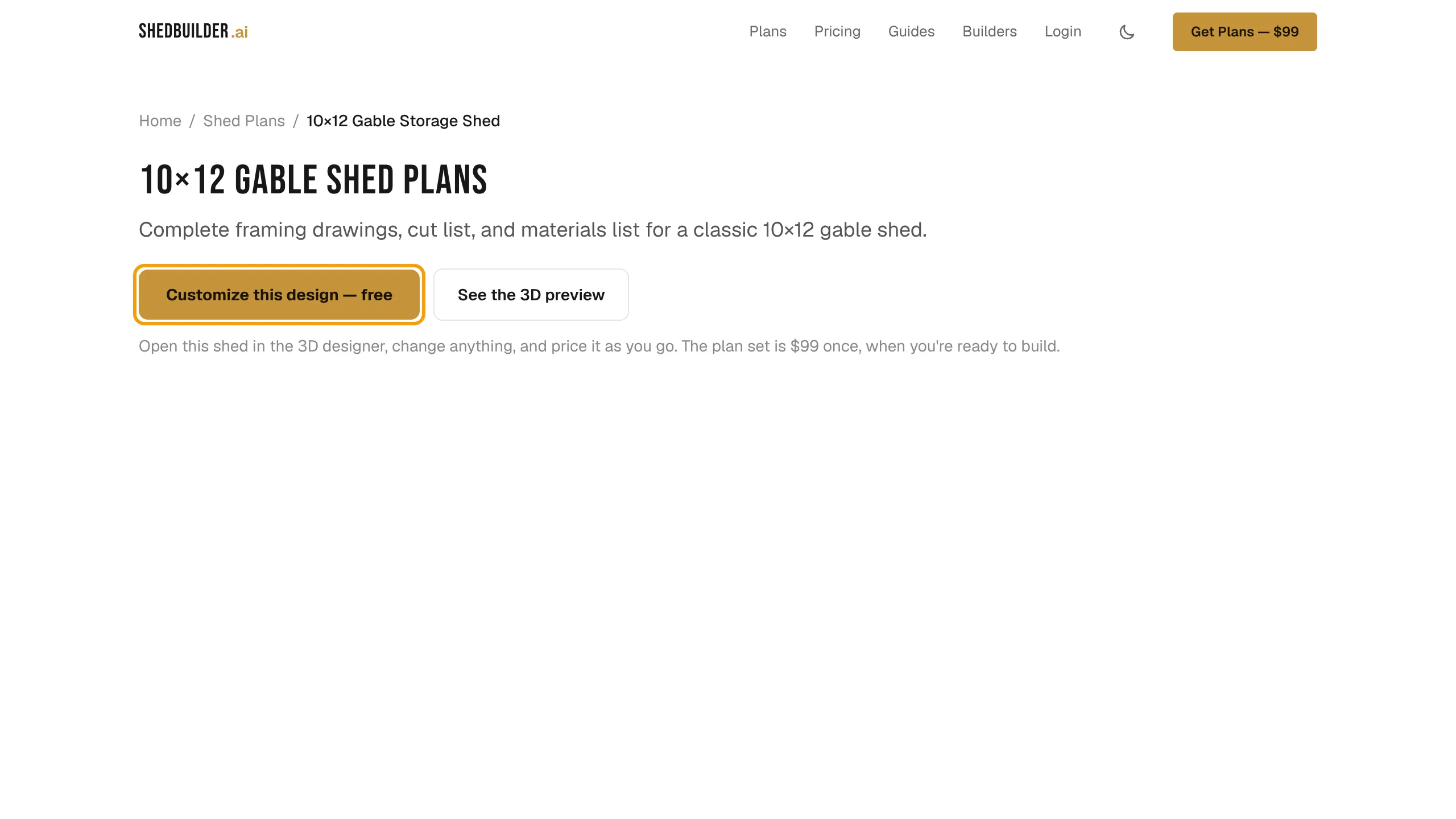
- Select Customize this design — free or Open in the designer.
- The designer opens with that plan loaded. Change anything you like.
Start from scratch
Open the designer at /design. It starts with a basic shed you can reshape with the properties panel or the AI chat. See Design with the AI chat and Change size, roof, siding and site.
Save your design
Your changes are kept as a draft in this browser until you save. The header shows Draft.
- Select Save design in the top bar. On a phone it reads Save.
- Enter your email under Save this design and select Email me a link.
- Open the email and follow the link.
- On Save your design, select Save my design.
The design is now in your free account. You can open it on any device.
Chat as a guest
Without an account you get five AI chat turns. The chat counts down the edits you have left. After that, save your design to keep using the chat. Editing, 3D and pricing stay free either way.
Your first visit to your account
If your account has no designs yet, you see Welcome — let's start your design.
- Select Start from scratch to open a blank design.
- Or select Start from a photo and upload a shed you like. The AI builds a starting design to match.
- Or choose a template under Pick a template and select Use Template →.
What is free and what is paid
Designing, the 3D view and the running price are free. Dimensioned drawings, the cut list, full material quantities, printable plans and the complete build guide come with the $99 plan set. See Unlock your plan set.