Any shed or coop plan in the public catalog can be embedded on another website, such as a blog post or a club page. The embed shows the plan's preview, its name and size, and an Open this plan — free button that opens the plan in a new tab. You do not need an account.
This is different from your own configurator. To embed that, see Put the configurator on your website. To embed a design you made, see Share or embed a design.
Get the embed code
- Open a plan's page in the shed or coop catalog.
- Select Embed this plan on your site.
- Pick a tab:
| Tab | Use it when |
|---|---|
| Iframe | Almost any site. Paste it into an HTML or custom-code block. |
| Script | Your site allows scripts. It sizes itself to your page. |
| Link | Your platform turns a bare link into a preview. |
| Credit | You want your own credit line. It is optional. |
- Select Copy and paste the code into your page.
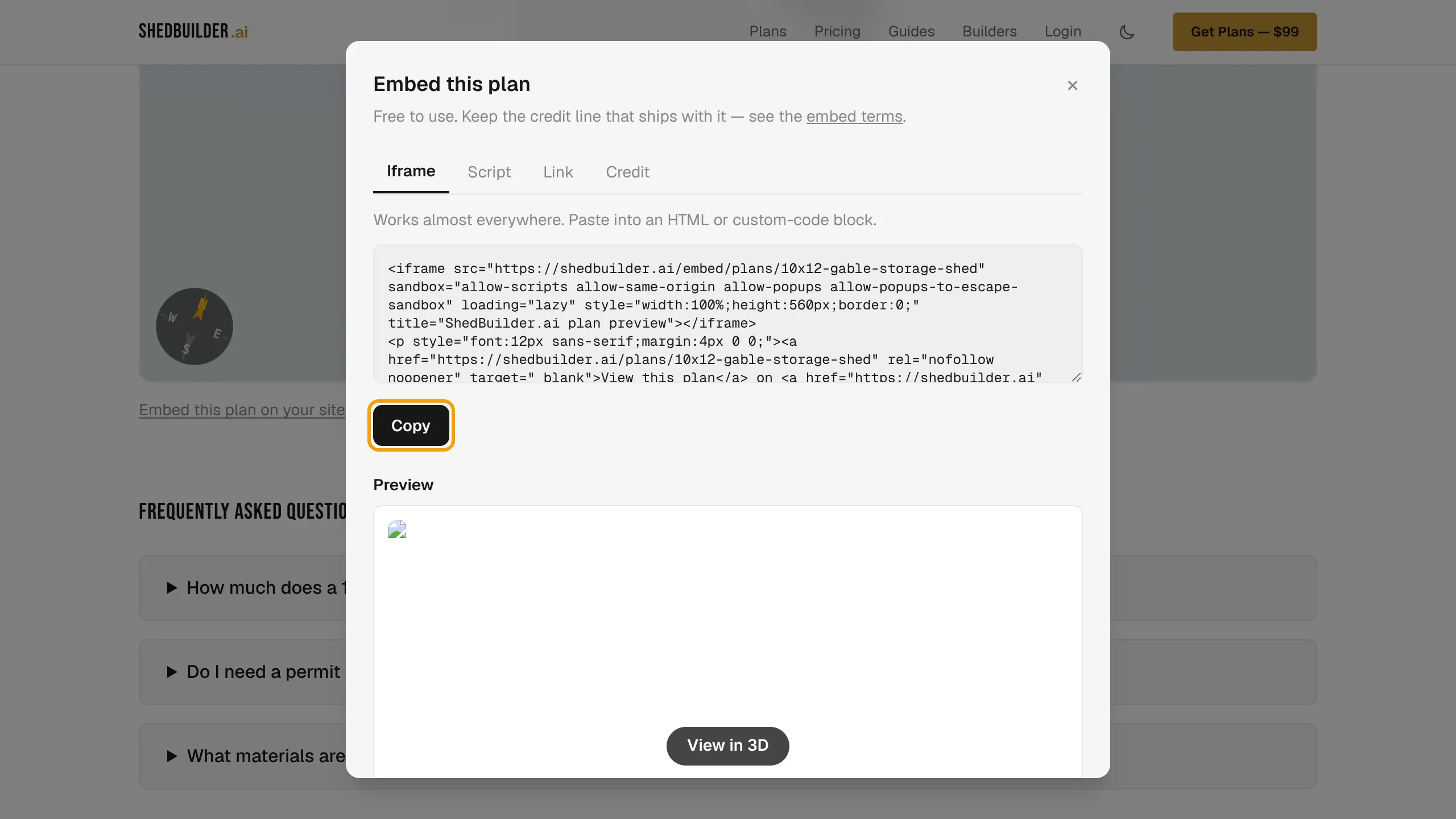
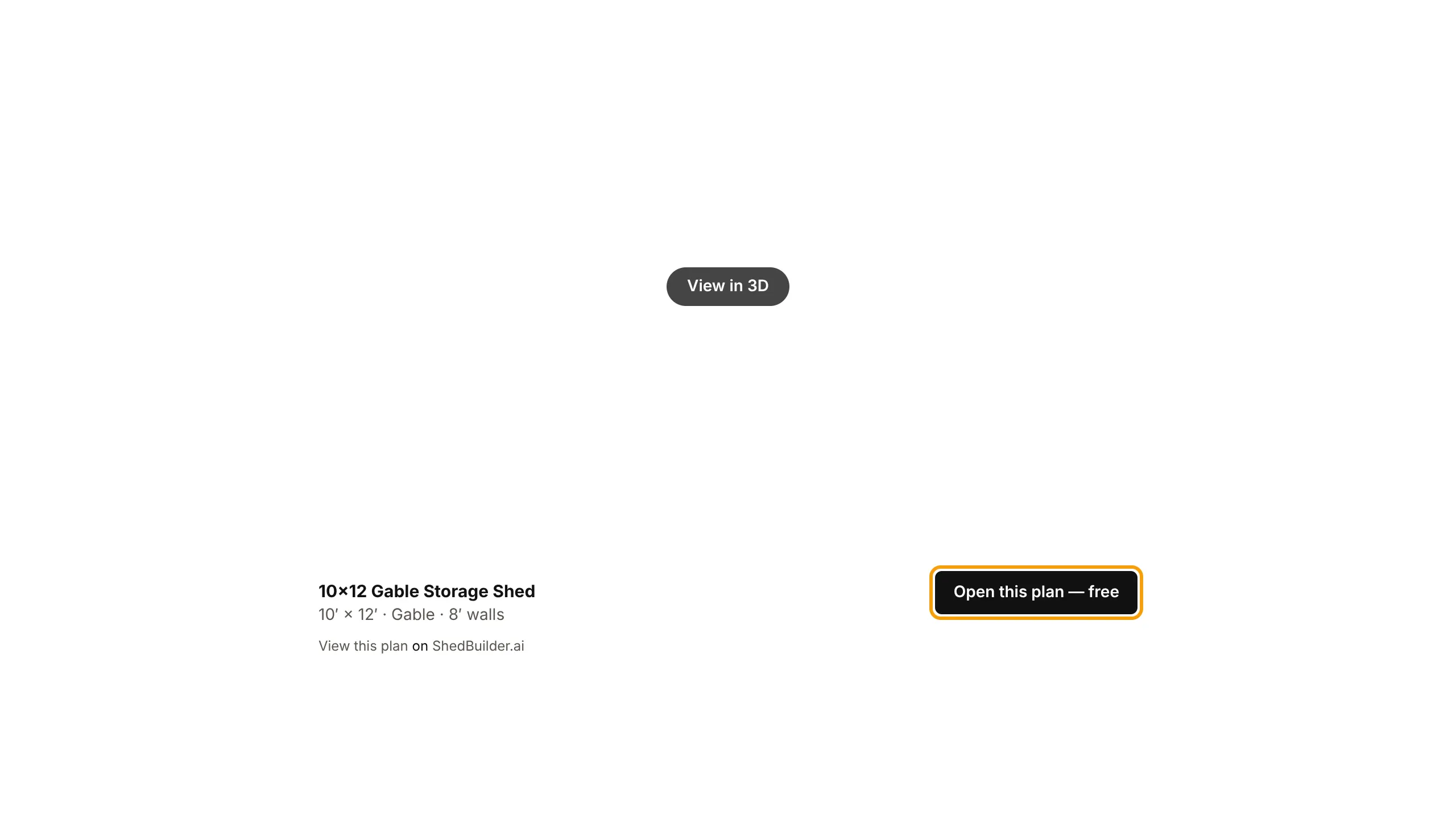
The Iframe and Script tabs show a live preview of the embed.
The credit line
The Iframe and Script embeds come with a credit line: "View this plan on ShedBuilder.ai". Embedding is free as long as you keep it. The Credit tab gives you an extra credit you can word and link any way you like. It does not replace the one in the embed.
Read the full rules in the embed terms.